The short version
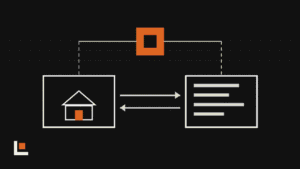
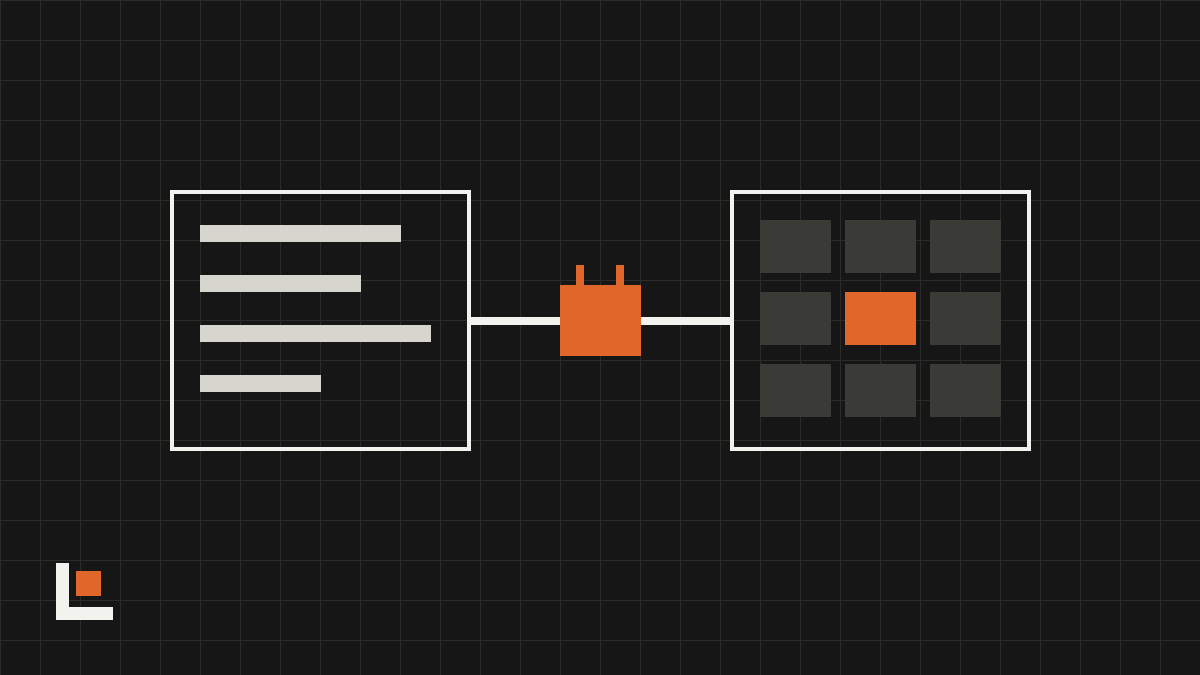
- JobTread’s AI Connector links AI assistants like ChatGPT and Claude to your JobTread account.
- The AI can build estimates, budgets and schedules from real job data, analyze jobs and draft updates.
- You control what it can access, and every action is logged.
Most builders don’t need another app. They need the tools they already pay for to do more. JobTread’s AI Connector, launched April 22, is built on that idea.
How it works
The AI Connector uses MCP, an open standard for connecting AI assistants to business software. Once it’s set up, you type or speak a request to an assistant like ChatGPT or Claude and it works directly with your JobTread data. JobTread says the AI can:
- Build estimates, budgets and schedules from real job data.
- Analyze performance across jobs.
- Draft client and internal updates.
- Flag risks and opportunities on active jobs.
Want this working in your company? Book an AI discovery and we’ll show you where AI fits your office first.
Questions worth asking your data
- Which of last year’s jobs ran over budget, and on which cost codes?
- What’s still waiting on a client selection this week?
- Draft a budget for this bathroom remodel based on our last five like it.
- Which active jobs have unpaid invoices over 30 days?
Using it safely
JobTread lets you set access levels and logs every action. Use both. Start with read-only access, so the AI can answer questions but not change anything. Once you trust its answers, allow it to draft estimates and budgets that a person reviews before they’re sent.
Questions
Which AI assistants work with JobTread?
JobTread names ChatGPT and Claude. The connector uses MCP, an open standard, so other assistants that support it may work too.
Can the AI change my jobs without asking?
Only if you allow it. JobTread lets you set access levels, and every action is logged so you can see what changed.