The short version
- BuildOps launched three AI agents at its Forge 2026 conference that look for revenue lost between the service call and the invoice.
- They flag unquoted work, stalled jobs and missing charges, and draft the fix. Nothing reaches a customer until someone in your office approves it.
- The Revenue Agent is in early access now, and all three reach BuildOps customers in January 2027. If you’re not on BuildOps, the same checks are worth running on your own data.
On November 5, BuildOps introduced what it calls Service Agents at Forge 2026, its customer conference. BuildOps sells software for commercial contractors and says more than 1,500 of them use it across North America.
The pitch is aimed at a problem most service shops know well. The money rarely leaks in the field. It leaks in the office: a tech notes a failing part that never gets quoted, a proposal goes out and nobody follows up, parts and time never make it onto the job, or a finished job never gets invoiced.
The three agents
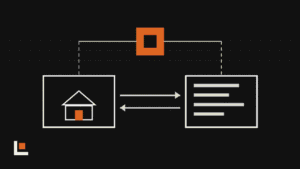
- Revenue Agent: reads technician visit notes and compares them with quotes, service agreements, equipment and jobs. It flags work that was never quoted, quotes that went quiet and approved work with no job scheduled, then drafts the next step.
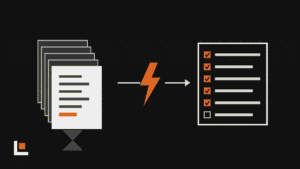
- Service Coordinator Agent: reviews open jobs every day for more than 20 reasons work stalls. It drafts a message to the person who needs to act and finds billable parts, fees and time missing from jobs, using your own price book.
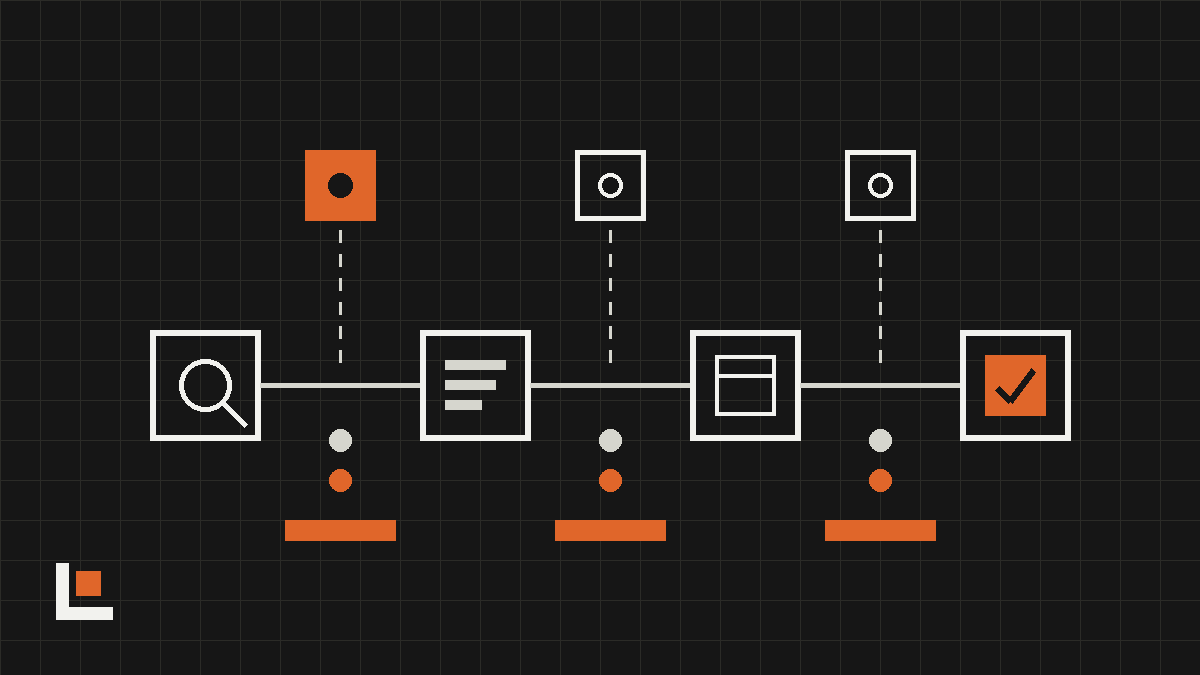
- Billing Agent: applies each customer’s billing rules, builds invoices and flags low markups or negative margins. It also catches completed jobs that were never invoiced and invoices that bounced or went unopened.
Each agent drafts the fix, whether that’s a quote, a follow-up email or a job, and waits. Someone in the office approves it before anything goes to a customer.
BuildOps also previewed a Collections Agent and accounts payable automation, both expected in early 2027.
Want this working in your company? Book an AI discovery and we’ll show you where AI fits your office first.
Why this matters for a trade shop
BuildOps says its customers average about five field technicians per back-office employee, and the top 20% support nearly seven. The agents are aimed at moving that number: letting the office you already have handle more jobs without dropping the follow-up.
The early numbers are company-reported, but they show where the money is. In early access, one contractor acted on $2 million in quotes that had gone cold within a 30-day period. Those were proposals already written and sent. Nobody had circled back.
BuildOps is also careful about the staffing question. Its chief product officer, Will Lehrmann, put it plainly: “These agents don’t replace anyone.” The work they take on is the checking and chasing that usually gets skipped on a busy week.
How to get value from it, on BuildOps or not
Agents like these are only as good as what they read. Before turning them on:
- Get techs writing usable notes. If visit notes say “checked unit,” there’s nothing to quote from. A short standard for notes (what you saw, what it needs, how urgent) pays off right away.
- Clean up the price book. The agents price missing parts and time from it. Old prices mean drafts you have to fix by hand.
- Write down each customer’s billing rules. Markups, not-to-exceed amounts, required paperwork. The Billing Agent can only apply the rules it’s given.
- Start with one agent and review every draft. Track three numbers: cold quotes recovered, days from job complete to invoice, and completed jobs not yet billed.
If you run ServiceTitan, Simpro or another platform, the same checks work. Pull a weekly list of open quotes older than two weeks, completed jobs without an invoice and jobs with no parts or time added. An AI assistant can sort that list, draft the follow-ups and leave the sending to you. That’s the kind of setup we build in an AI integration project.
Questions
Will the agents email my customers on their own?
No. BuildOps says nothing reaches a customer until a person approves it. The agents draft quotes, follow-ups, jobs and invoices, and someone in your office sends them.
When can I use them, and what do they cost?
The Revenue Agent is in early access now, and the full set of Service Agents becomes available to BuildOps customers in January 2027. BuildOps hasn’t published pricing for the agents, so ask your account rep.
Is this only for big commercial contractors?
BuildOps is built for commercial service and specialty contractors, and its examples come from electrical and mechanical shops. Residential service platforms are adding similar AI, and the checks it runs work at any size.