The short version
- Houzz Pro’s AI can draft estimates, change orders and invoices, then build a project schedule from the final estimate.
- In the field, it records and summarizes client meetings, transcribes video daily logs and translates messages in 10 languages.
- Treat every AI estimate as a first draft and check the pricing against your own suppliers before it goes to a client.
Houzz Pro is the business software side of Houzz, built mainly for remodelers, design-build firms and interior designers. Through 2026 Houzz released AI features in four waves: estimating and scheduling in March, a mobile product clipper the same month, 3D design tools in May and field communication tools in June. Taken together, they reach from the sales call to closeout.
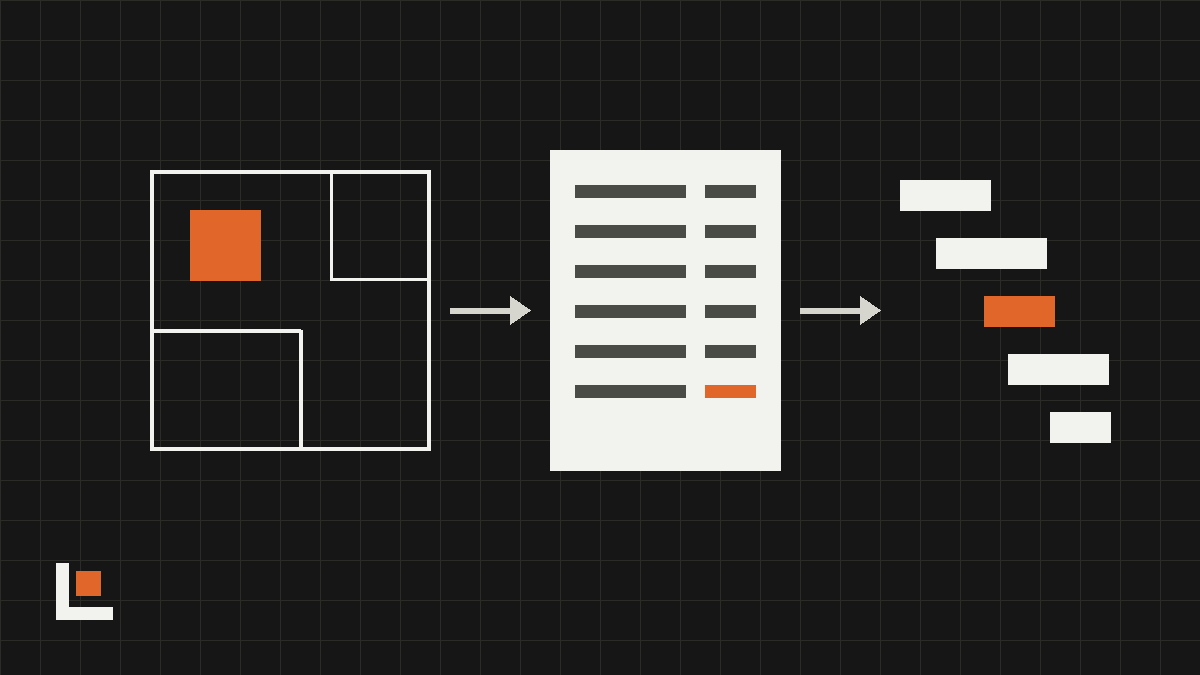
From floor plan to estimate to schedule
- Estimates and money: the AI drafts estimates, change orders and invoices with line items, labor and local material pricing. It also logs expenses from receipt photos and suggests tasks from daily logs.
- Floor plan to estimate: a 3D floor plan can be turned into an estimate or proposal that you then adjust.
- Estimate to schedule: once an estimate is final, the AI builds a project schedule with phases and durations.
- 2D to 3D: the AI converts 2D plans into editable 3D floor plans and AR walkthroughs, and turns product photos into 3D models.
- Owner digest: larger firms get an AI-written monthly summary of activity across all jobs.
Houzz’s announcement claims the estimating tool does in 20 seconds what takes an experienced person an hour. Speed is real. Accuracy depends on how close the AI’s pricing is to what you actually pay, which is why the draft still needs a person.
Want this working in your company? Book an AI discovery and we’ll show you where AI fits your office first.
In the field: notes, video logs and translation
The June release is the one most crews will notice. All four tools are in the Houzz Pro mobile app and available to every subscriber.
- Meeting notes: record a call or an in-person walkthrough with a client. Houzz saves an AI summary, a full transcript and the audio to the right project.
- Video daily logs: a two-way camera mode records the jobsite and the person talking at the same time. The AI transcribes it and files it with the project.
- Translation: messages and daily logs translate between 10 languages, shown beside the original or in place of it.
- Offline mode: view project information and make typed or voice notes with no signal. It syncs when you reconnect.
For design work, Houzz also added an AI tool that turns a clipped finish into a 3D material you can apply in the floor planner, and a mobile clipper that pulls product details and pricing from any website into your selections.
What it means for remodelers
Most remodelers lose hours in two places: writing estimates and keeping track of what was promised in conversations. These tools aim straight at both. The meeting notes and translation features carry the least risk, because a person still reads the result before anything changes.
- Turn on meeting notes first. Record your next three client walkthroughs and compare the summary to what you remember.
- If your crew or subs speak Spanish or another language, try translated daily logs on one job.
- Run the AI estimate side by side with your own on two or three past jobs before you trust it on a new one.
- Tell clients when a meeting is being recorded. Get their permission before you start, and follow your state’s recording rules.
Questions
Do the new AI tools cost extra?
Houzz says the June mobile tools, including meeting notes, video logs, translation and offline mode, are available to all Houzz Pro subscribers. The mobile clipper is part of the Custom package. Confirm with Houzz for your plan.
Is Houzz Pro only for designers?
No. It’s used by remodelers, design-build firms and specialty contractors as well as designers. The estimating, scheduling and daily log tools are aimed at builders.


